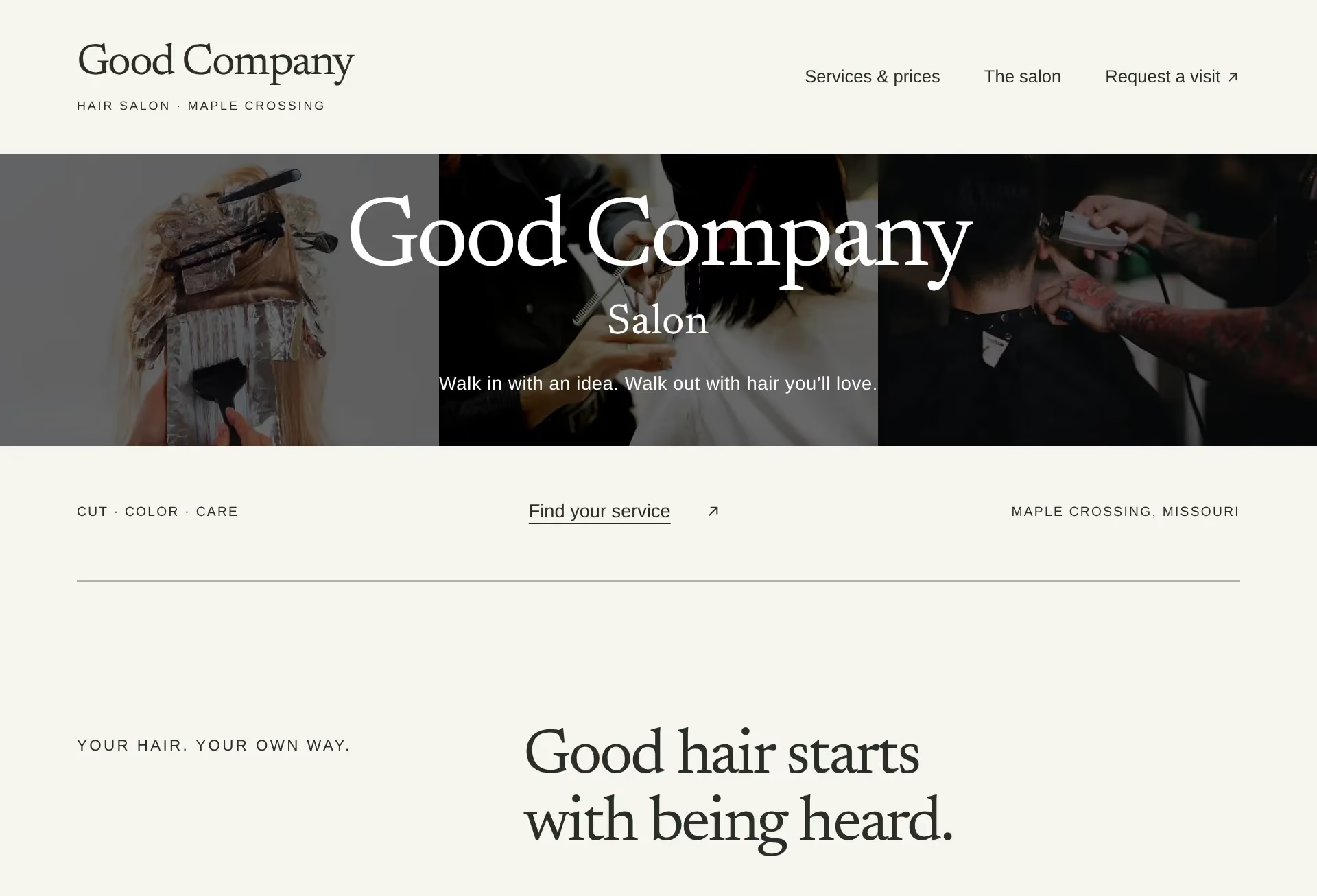
01 / Online booking
Make online booking clear on your website
Read the page before the booking button as someone choosing a first appointment. They need to know what to choose, what it costs and whether submitting the form reserves a time. Keep those answers together.
Explain the appointment before the form
Give each service a familiar name and explain what the appointment includes. Put the expected duration, price or starting price, and location beside it. Say what changes the price and whether a consultation comes first. A salon customer should not have to pick a time before learning which color service to choose.
Include any deposit and cancellation terms before the customer commits. For a studio or clinic, explain any first-visit step that changes what someone should book. Give people who are unsure a way to ask. Keep essential details on the page rather than hiding them behind the booking button.
Ask for what you need to arrange the visit
Start with the service, preferred time, name and a way to reply. Carry the selected service into the form where the setup allows it. If someone must choose again, use exactly the same service names.
Read each extra question and decide what you will do with the answer before the appointment. Mark optional fields clearly and explain unfamiliar choices beside the field. Leave detailed intake for the appropriate follow-up process. For a clinic, keep medical histories out of a general booking note. Try the form on a phone, including correcting a missed required field.
Say whether the time is agreed
Use button wording that matches the result. If you need to check availability, call it an appointment request. Show that status after submission and explain how the customer will hear back. Avoid a confirmation message that implies a preferred time is reserved when it still needs your agreement.
For a confirmed booking, repeat the service, date, time and location. Include the price or explain what remains to be agreed. Give clear instructions for changing or canceling the visit. Send a test booking through the whole route and check what the customer receives as well as what reaches you.
Check the handoff to another booking service
If booking continues on another website, say so beside the link. Open it yourself and check that it reaches your business and the intended service. Compare names, prices and policies on both sites after any change.
Keep a direct booking link available if an embedded calendar fails to load. Provide another way to request an appointment if the booking service is unavailable. Test both routes on a phone and with a keyboard. Assign someone to repeat those checks when services, staff or hours change.
04 / The Work
See the customer’s next step.